Routines & Transitions
For primary teachers and teaching assistants supporting pupils with SEND.
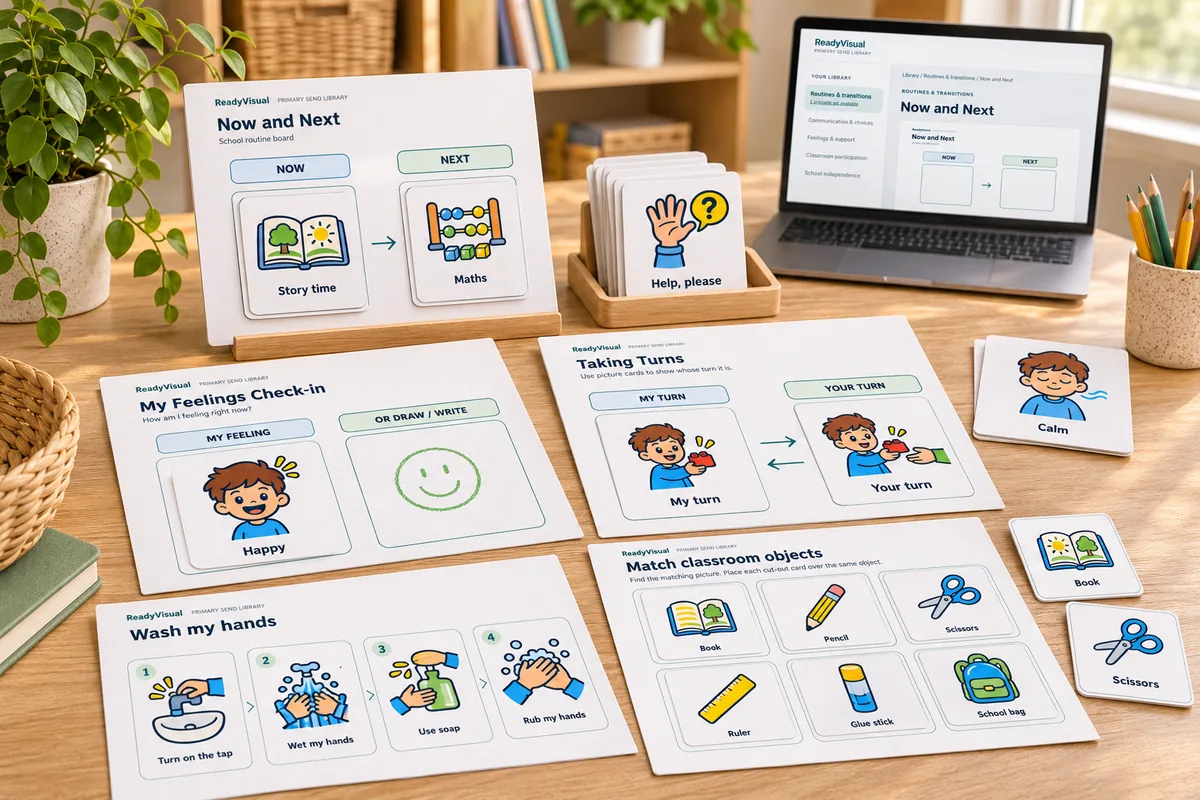
120 visual cards to support routines, communication and participation in your primary classroom.
Find resources in ReadyVisual to introduce routines, offer choices and show your pupils the steps of a task. Select, print and prepare them for use, without designing cards or building each resource from scratch.
See the resources
More than cards: 20 boards and templates, 12 school-task sequences, 24 visual activities and five supporting bonuses.
Preparing visual support should not mean making everything from scratch.
You are planning the next transition, a group activity or an individual task. Finding and making the visual materials adds another job to that preparation.
Searching for suitable pictures
Redrawing familiar prompts
Looking for a usable board
Building a task sequence
Sorting loose printouts
Replacing a missing card
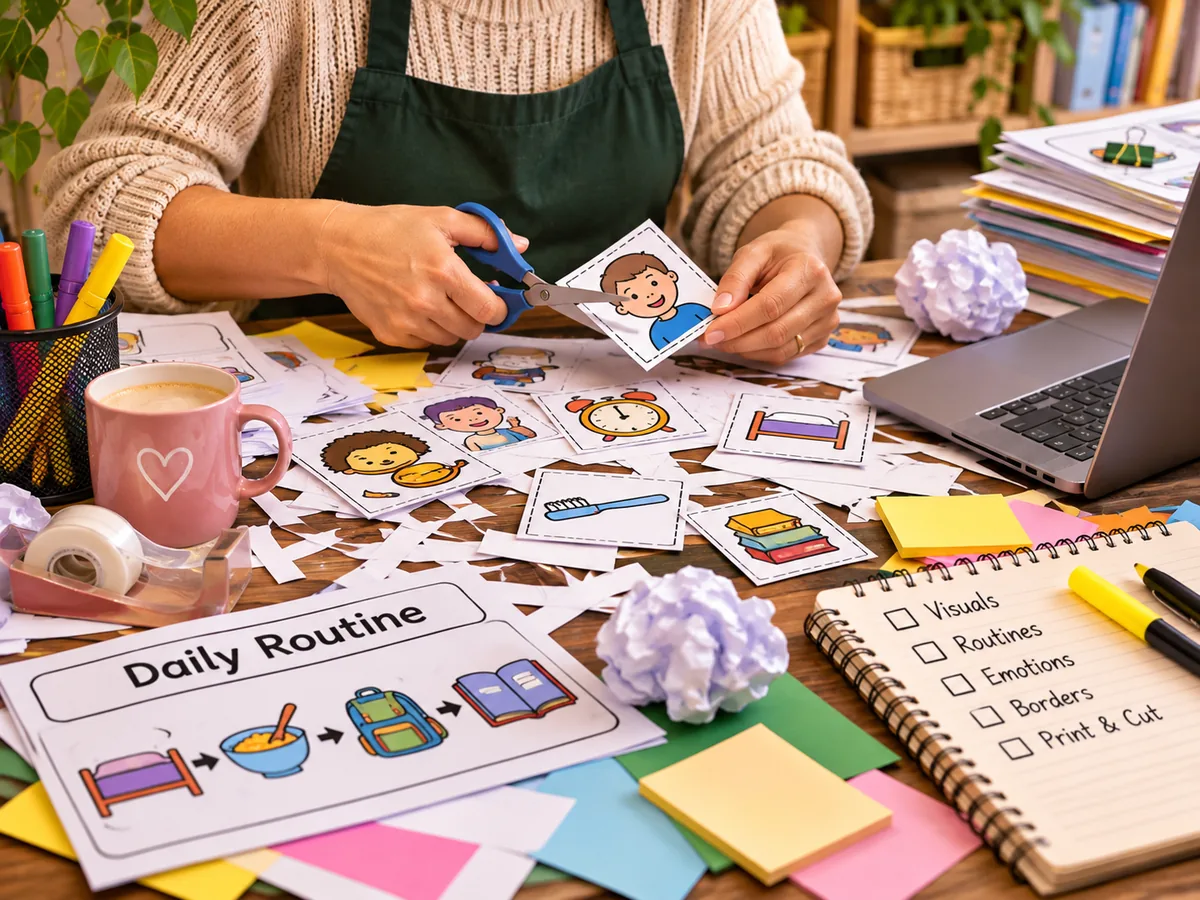
ReadyVisual gives you a starting point for that work: visual materials organised around primary-school situations, so you can focus on choosing the support you want to prepare.
Take a closer look at the resources.
Explore examples from different collections. View each board alongside its picture cards and choose what fits your classroom.
Communication & Choices
Two Choices
Feelings & Support
My Feelings Check-in
Classroom Participation
Taking Turns
1 / 4
Your online visual resource library.
Take a look inside ReadyVisual and see how your resources are organised.
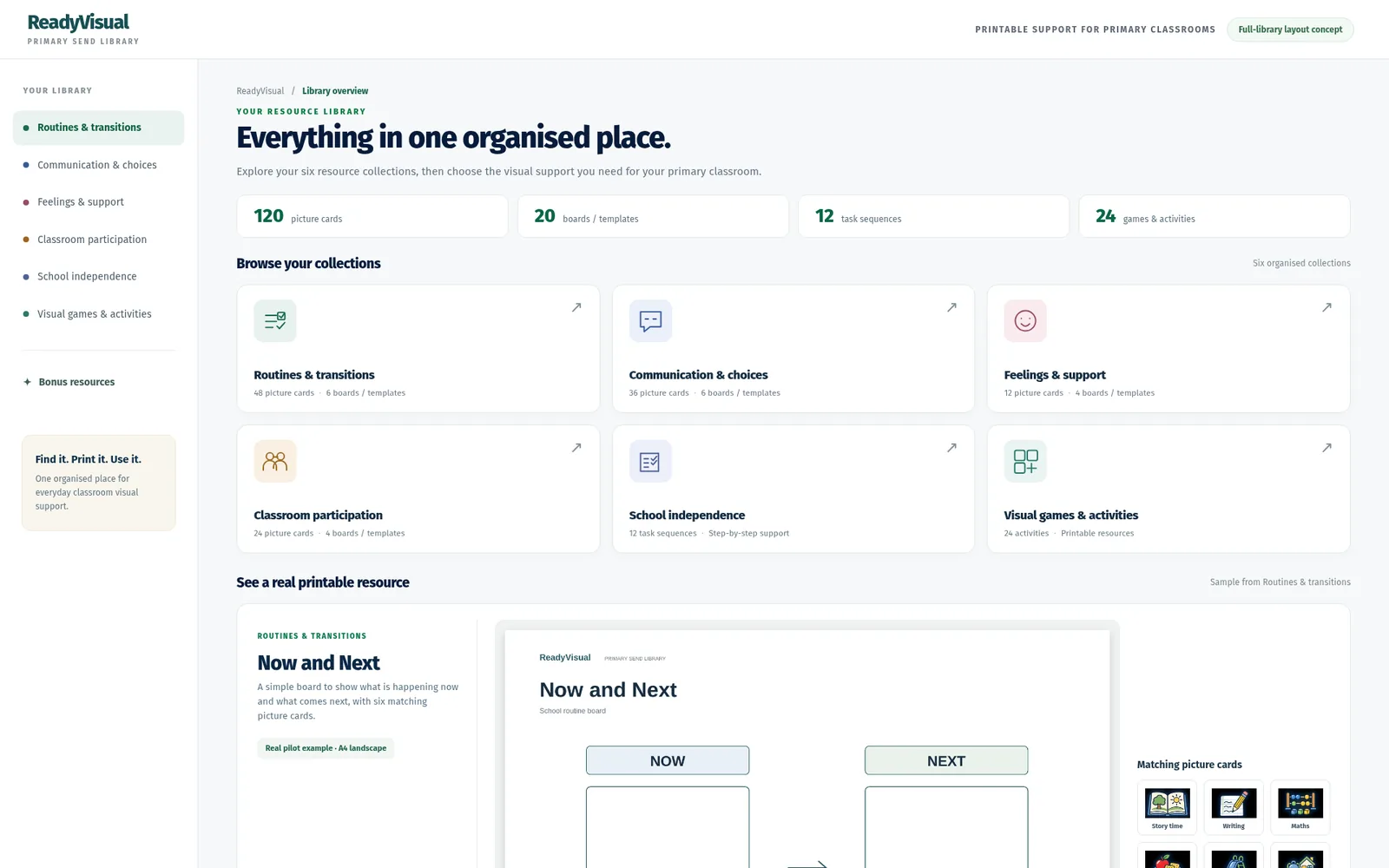
Find resources for the support you’re planning.
Cards, boards, task sequences and visual activities, organised by school situation and resource type. Choose the materials that fit what you want to prepare for your pupils.
From a classroom need to a prepared resource.
1. Find the situation.
Open the collection for the routine, choice or task you are preparing.
2. Check the resource.
Use the preview to judge whether the pictures and layout suit your pupils.
3. Prepare the pieces.
Download the A4 PDF, then print, cut or assemble it as needed.
4. Put it to use.
Place the prepared resource where you will use it with your pupils.
You choose the support. ReadyVisual supplies the visual materials to prepare it.
How the resources fit into the school day.
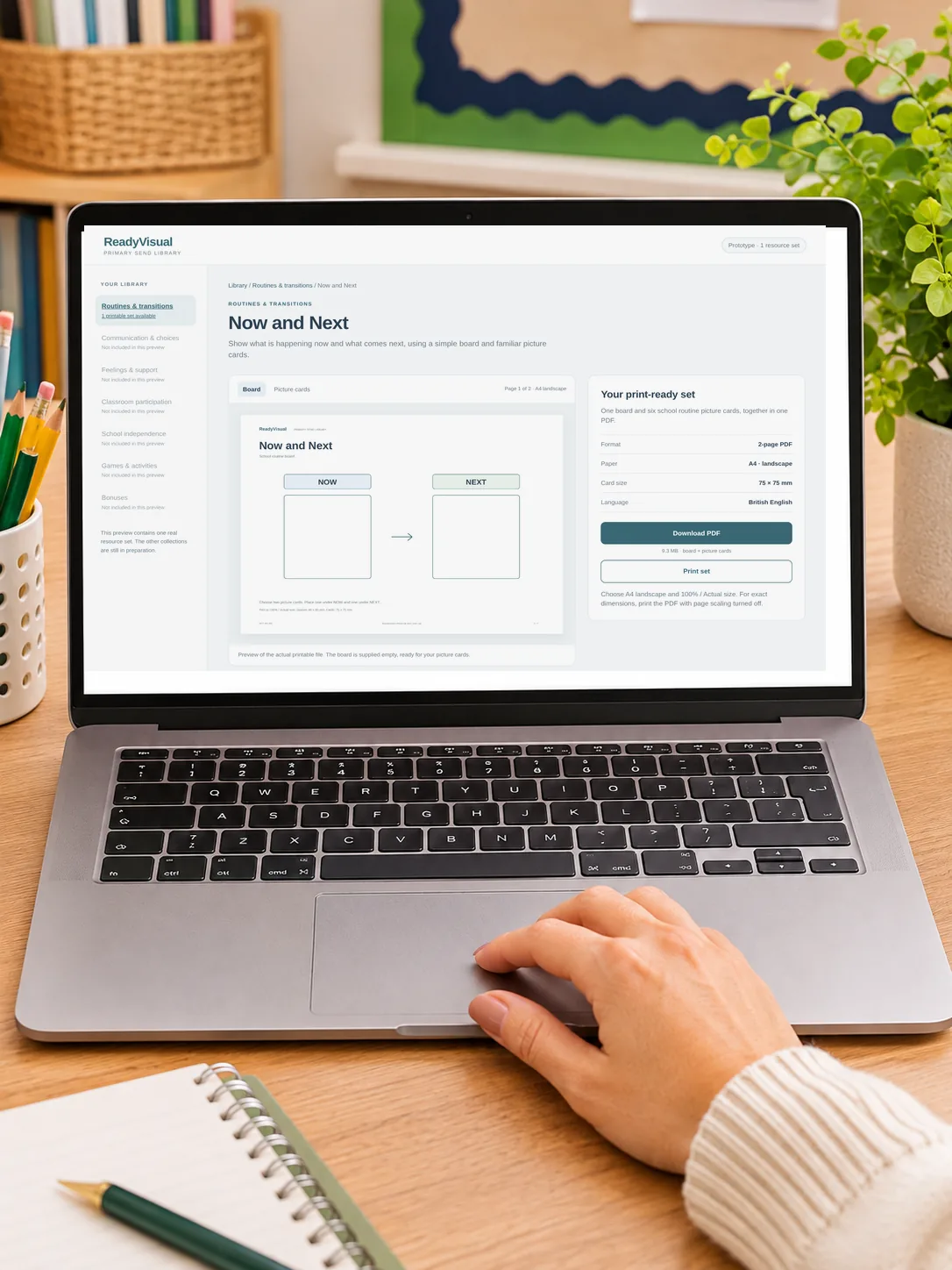
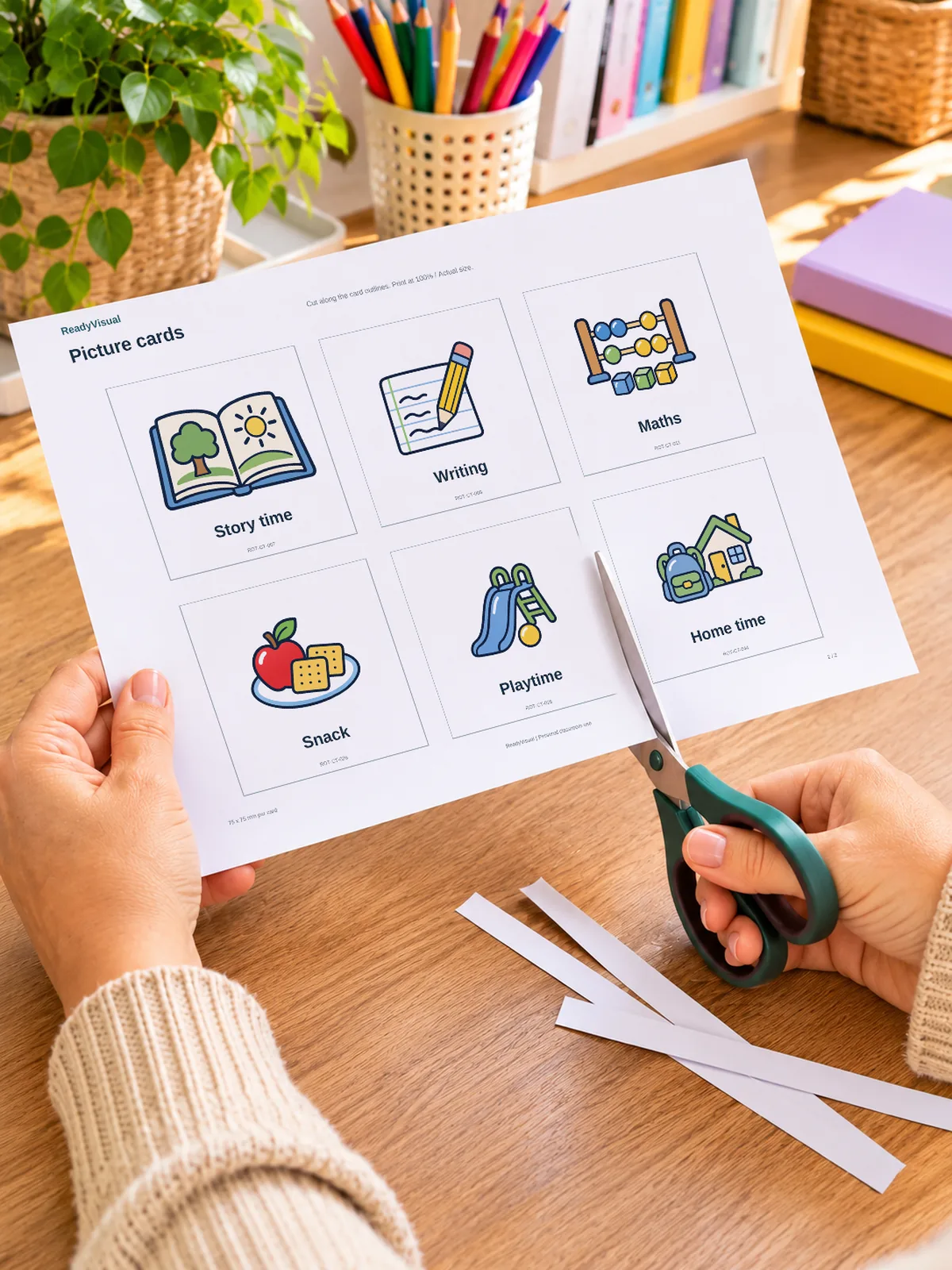
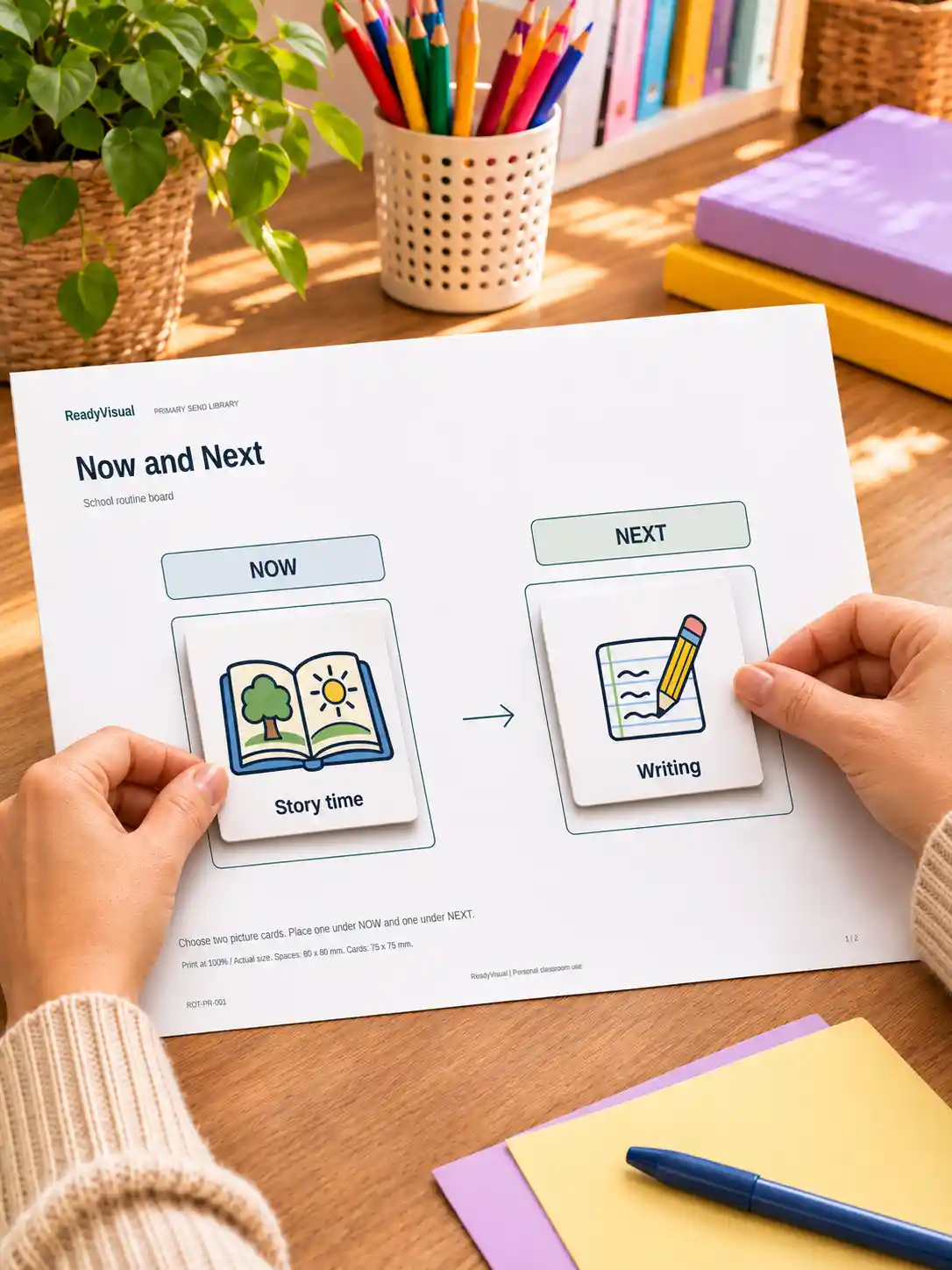
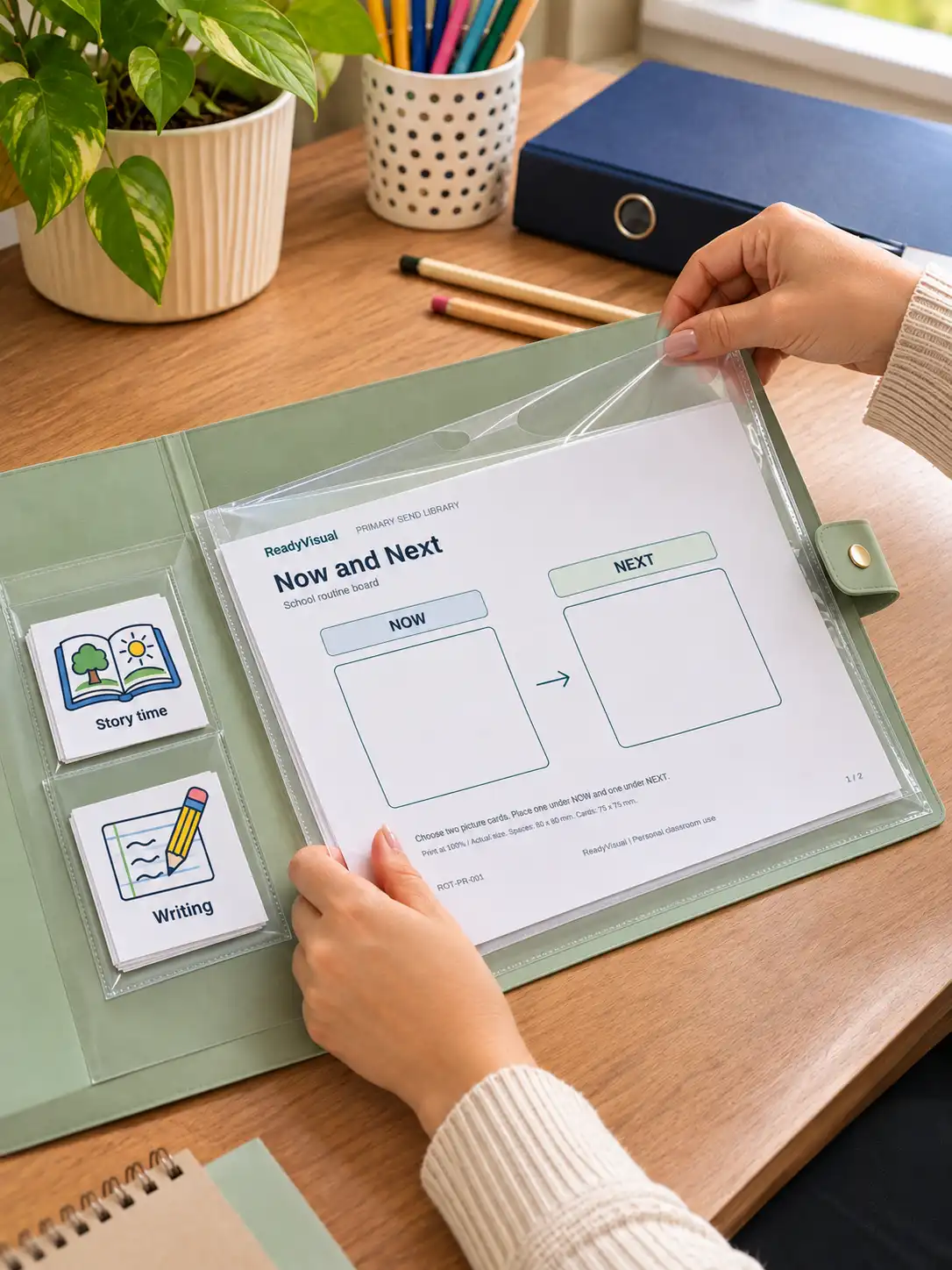
Illustrative use scenes featuring the resources.
For primary teachers and teaching assistants.
Primary teachers
Prepare visual support alongside your classroom planning, from whole-class routines to an individual task.
Teaching assistants
Prepare the visual materials for the support you provide, in line with the teacher’s plans and the pupil’s needs.
For professionals supporting pupils with SEND in primary school. Select resources for the individual pupil and context; the library does not replace your judgement or an individual support plan.
What you can prepare across the six collections.
Choose from the following resource families according to the support you are planning.
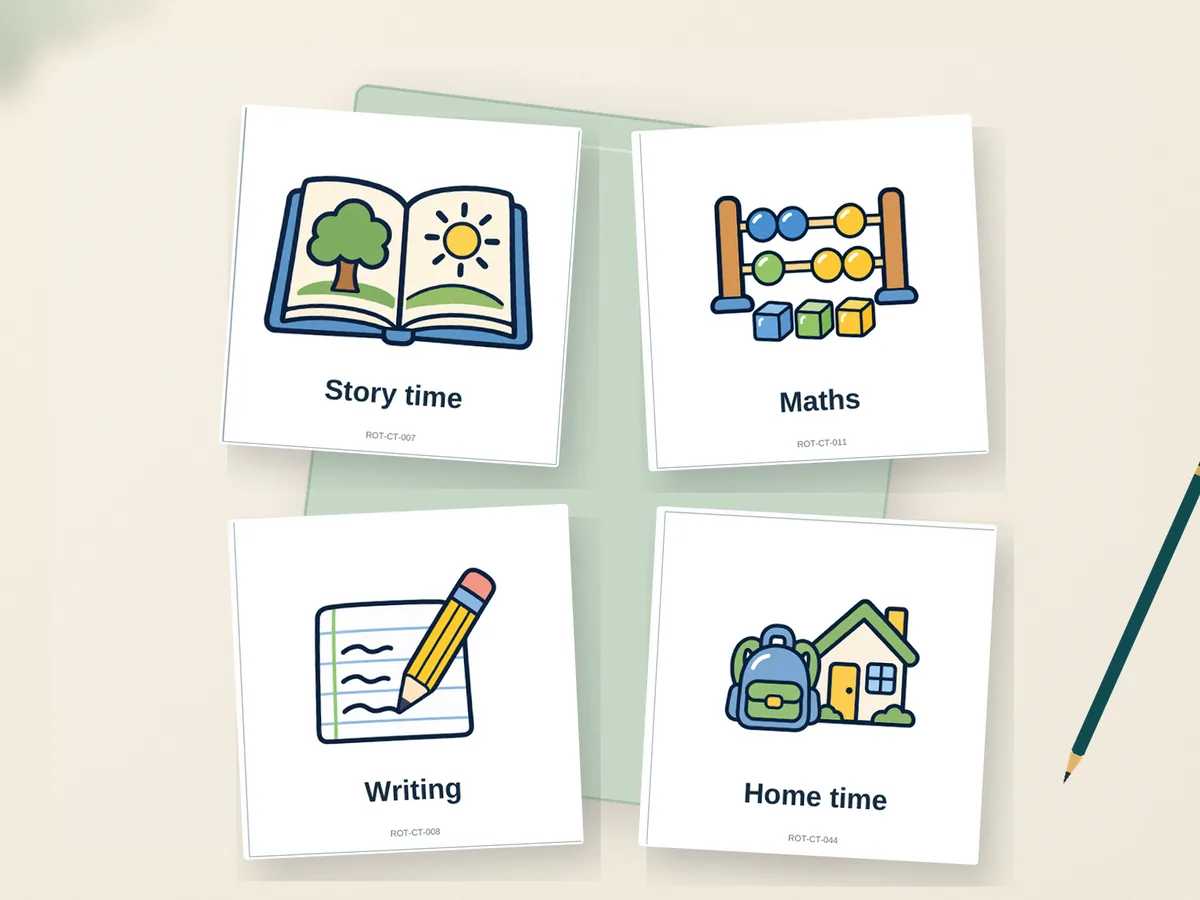
Routines & Transitions
48 cards + 6 boards/templates
Present activities, changes and transitions.
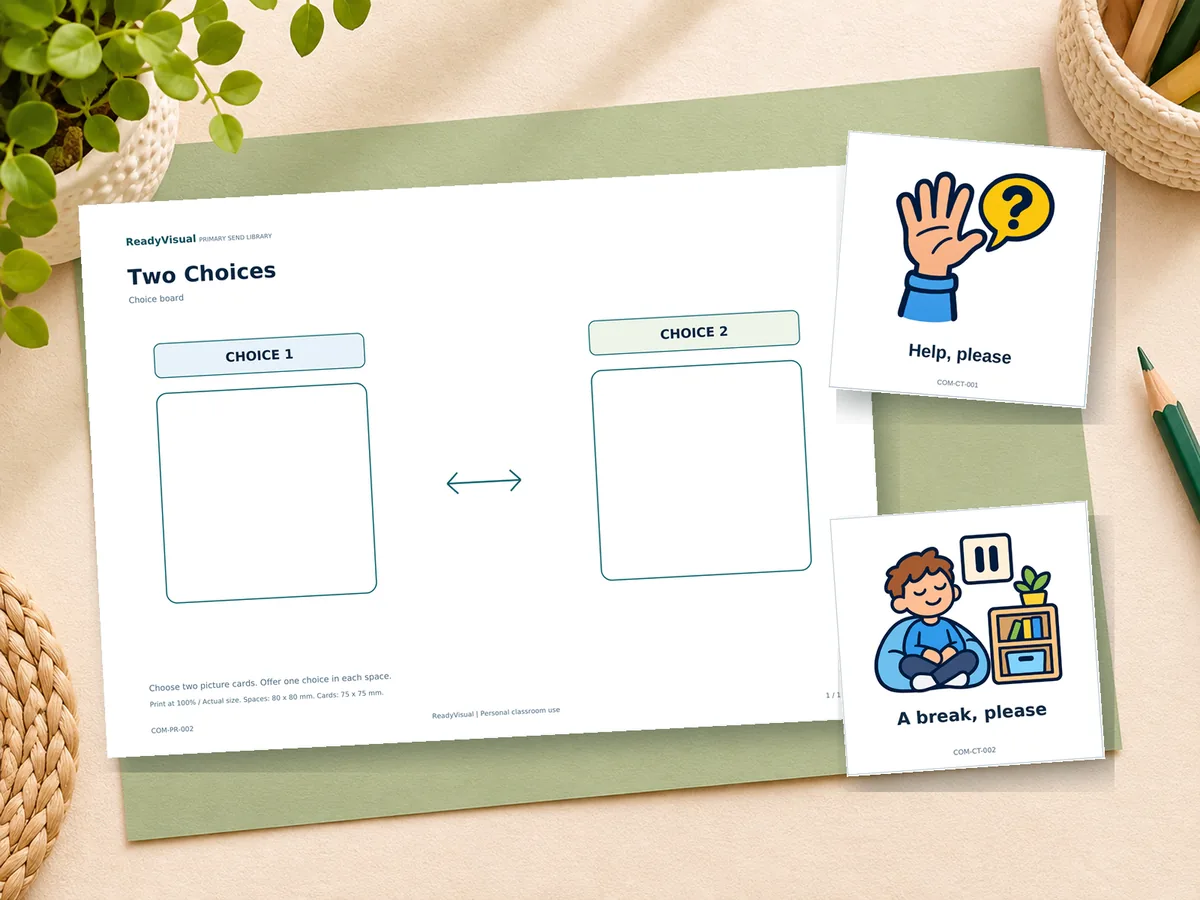
Communication & Choices
36 cards + 6 boards/templates
Offer choices and prompts for expressing needs.
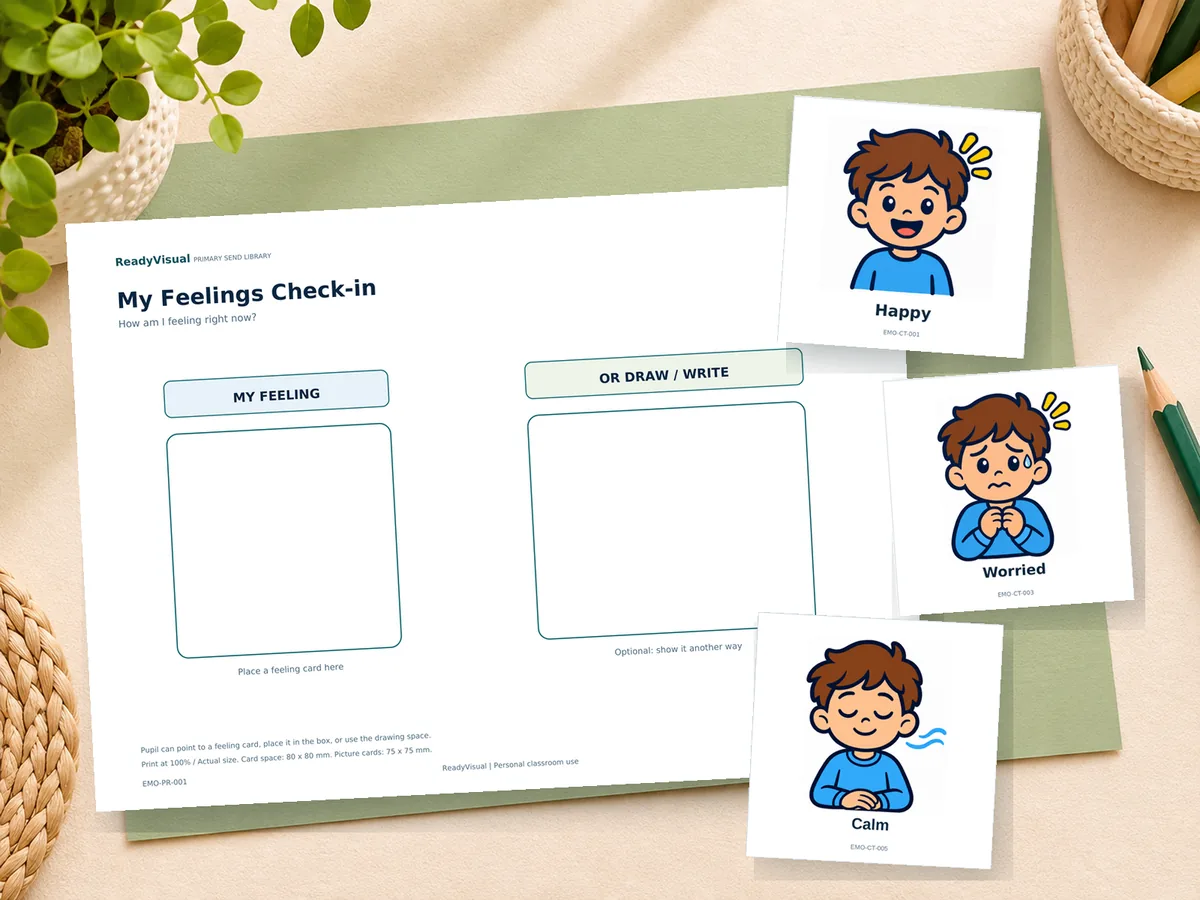
Feelings & Support
12 cards + 4 boards/templates
Present feelings and options for requesting support.
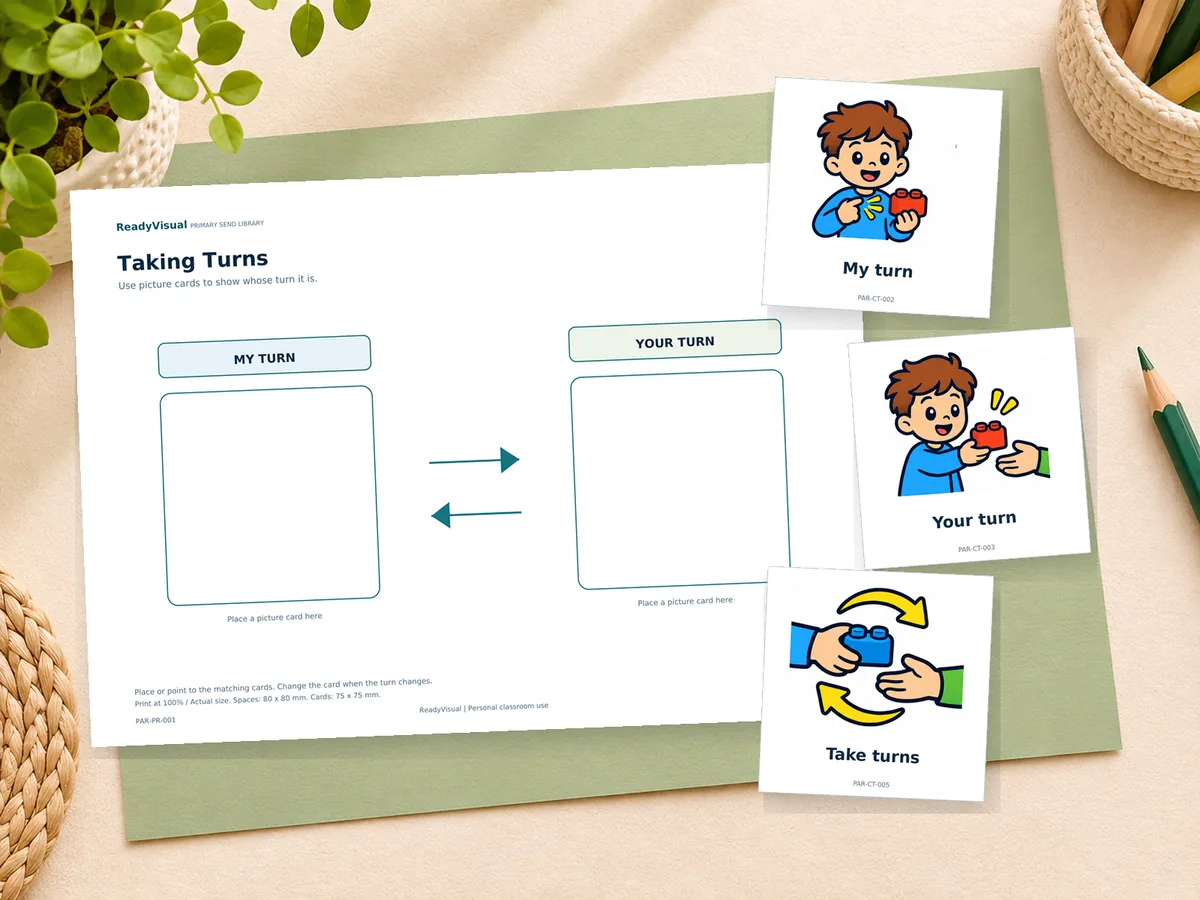
Classroom Participation
24 cards + 4 boards/templates
Show turns, roles and classroom task prompts.
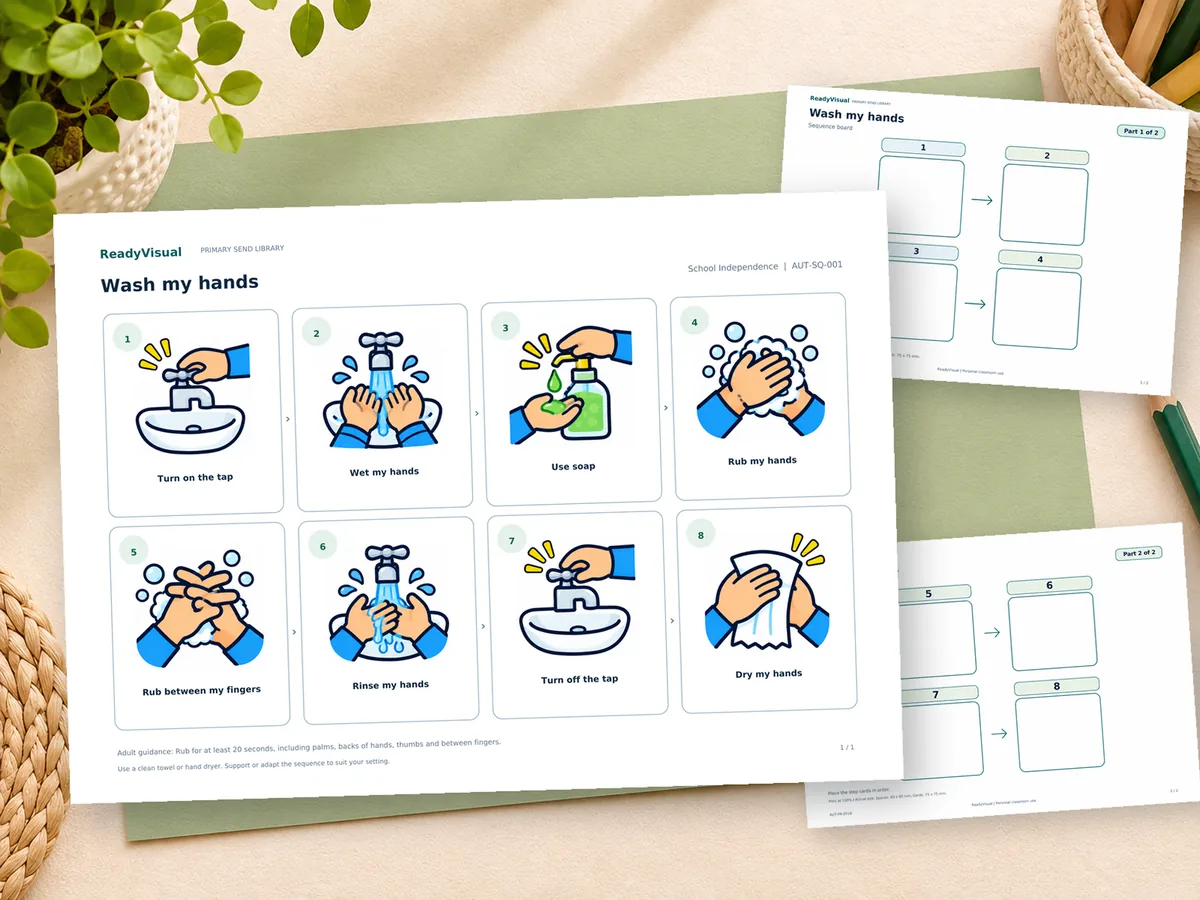
School Independence
12 sequences
Show the steps of familiar school tasks.
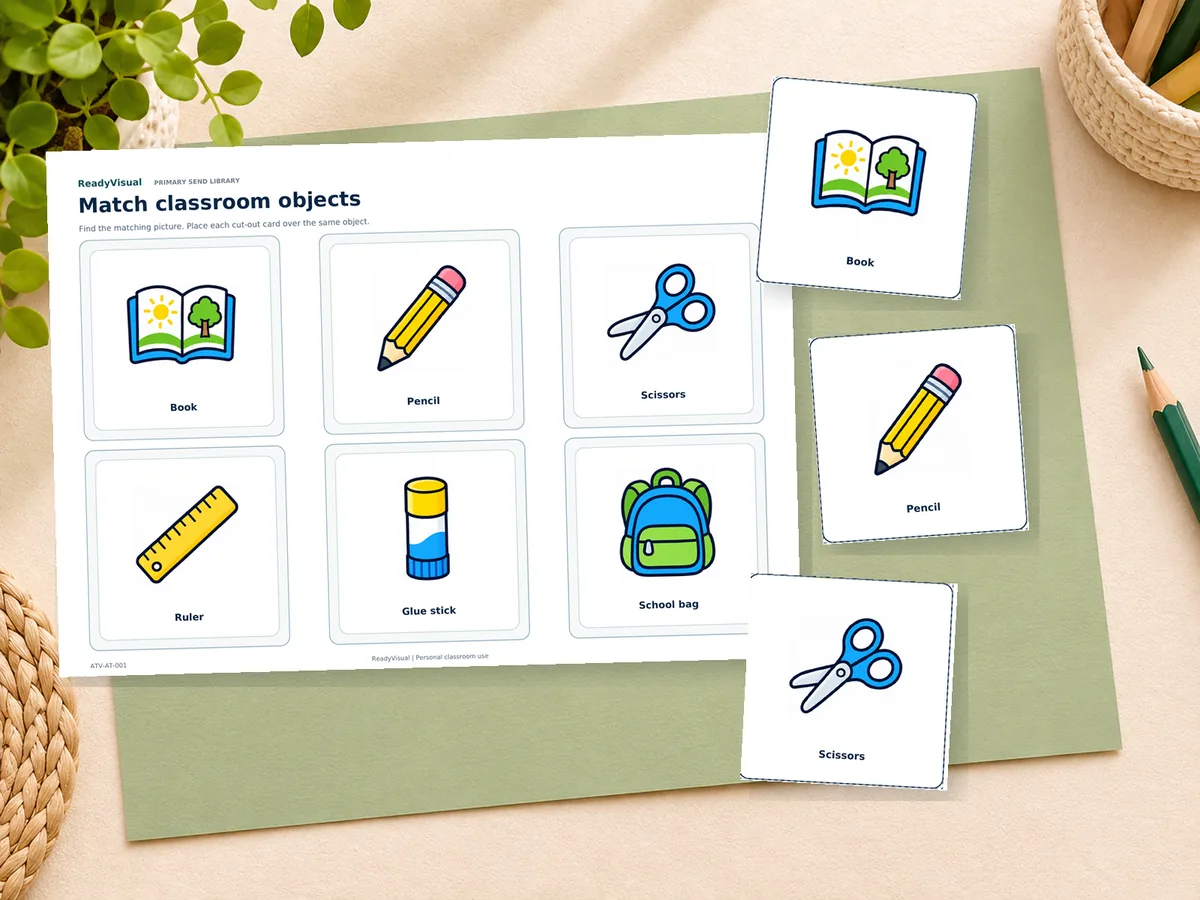
Visual Games & Activities
24 activities
Prepare matching, sorting, association and sequencing tasks.
Support for the work around the visual materials.
Five supporting bonuses included
 INCLUDED
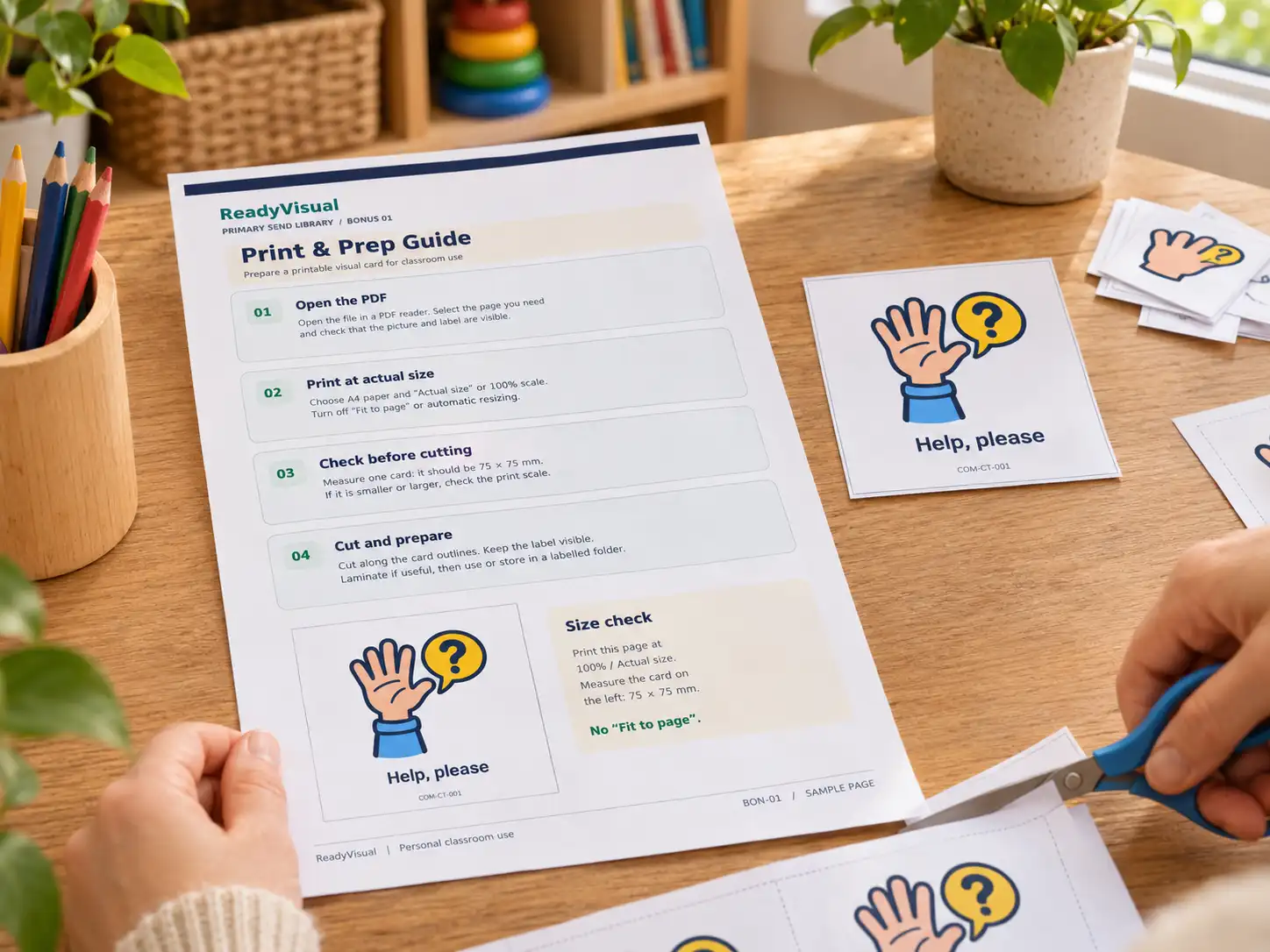
Bonus 1: Print & Prep Guide
Guidance on printing, cutting, assembling and looking after the materials.
Check how to prepare a resource before printing the whole set.
 INCLUDED
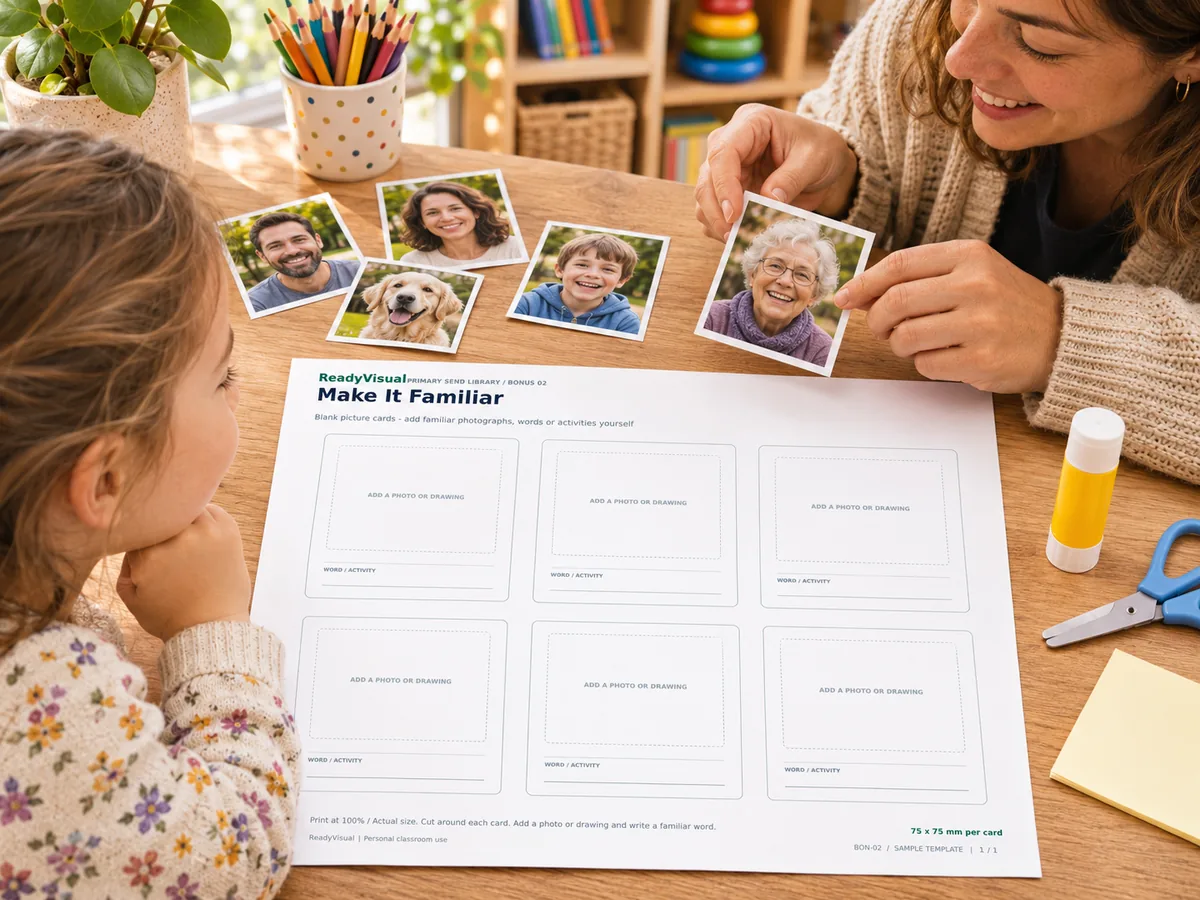
Bonus 2: Make It Familiar
Blank printable templates for adding familiar photographs, words and activities yourself.
Bring familiar details into the materials you prepare.
 INCLUDED
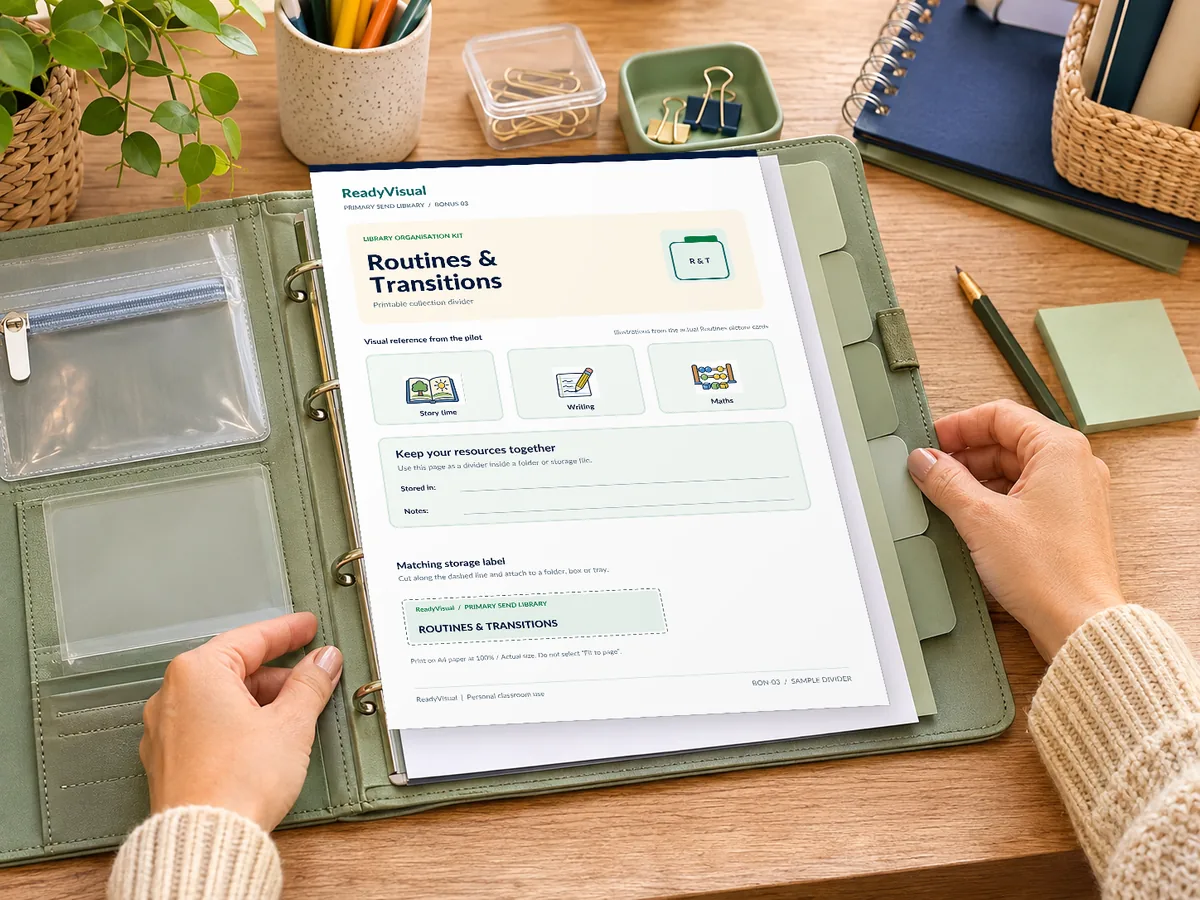
Bonus 3: Library Organisation Kit
Printable covers, labels and dividers for organising the six collections in your physical resource library.
Keep printed materials grouped so you can find them again.
 INCLUDED
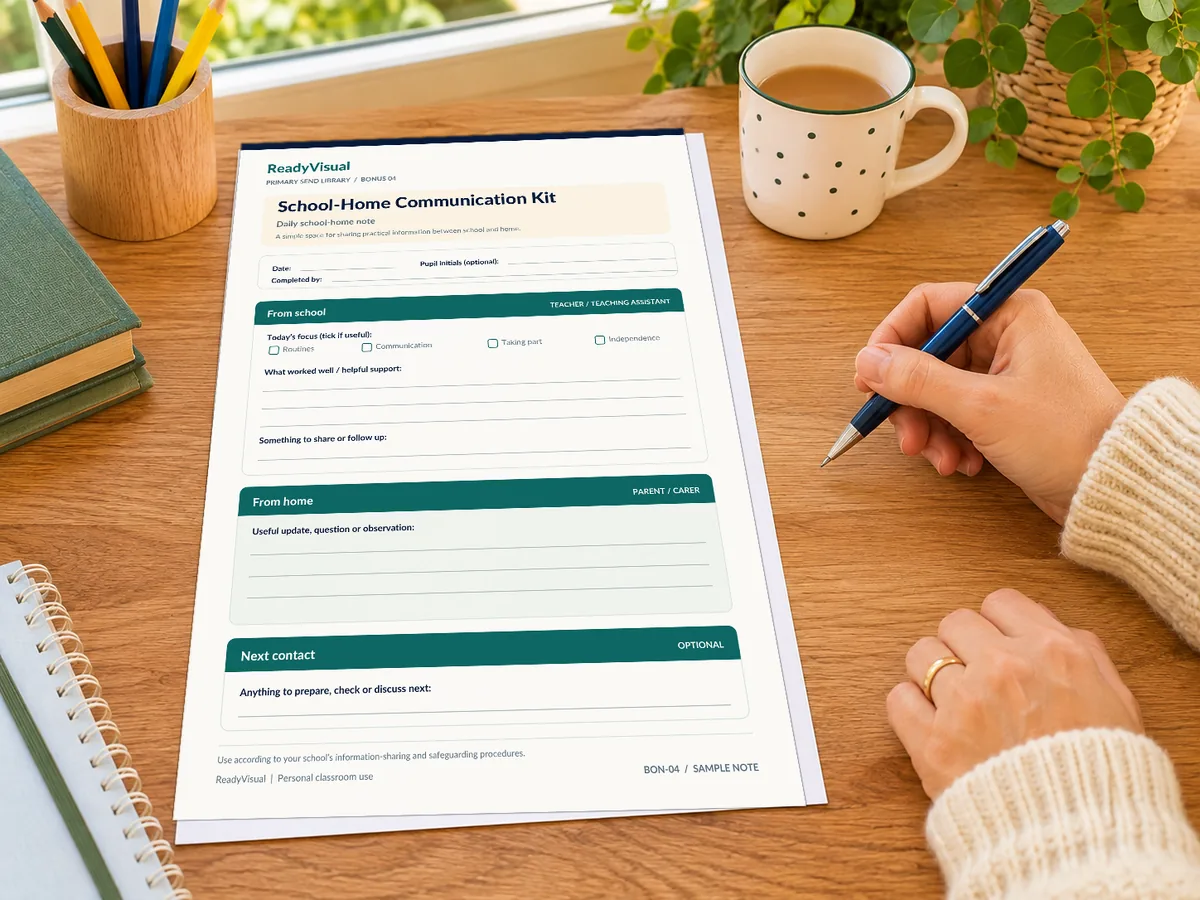
Bonus 4: School–Home Communication Kit
Printable templates for sharing information about the school day, upcoming changes, preferences and support.
Use a shared structure when exchanging information with families.
 INCLUDED
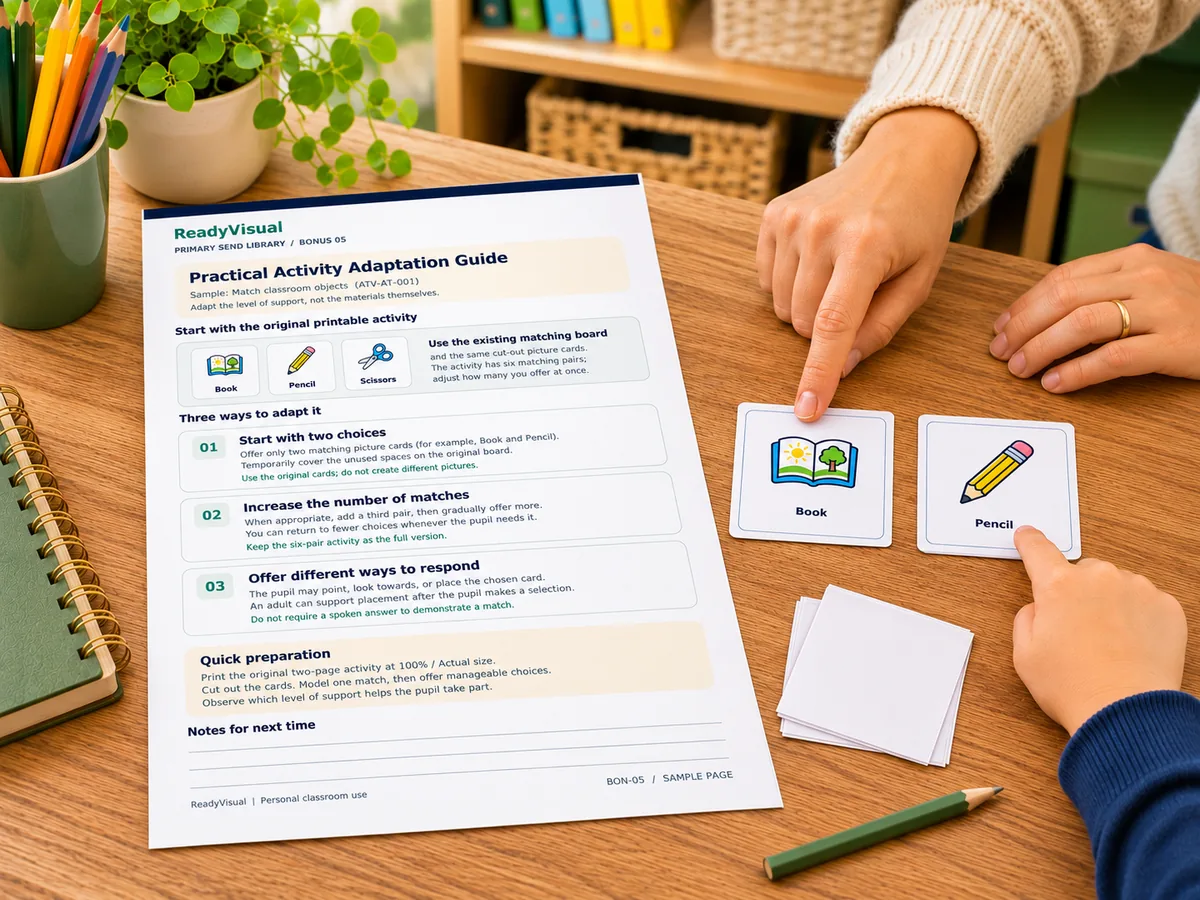
Bonus 5: Practical Activity Adaptation Guide
Guidance and original examples for simplifying instructions, dividing tasks into steps and adjusting presentation.
Review how an activity is presented before using it with a pupil.
Everything you get today
120 visual cards + 5 bonuses
ReadyVisual — Primary SEND Library
One library for your professional resource collection.
- 120 visual cards for routines, communication, feelings and participation.
- 20 boards and templates for arranging visual support.
- 12 school-task sequences for presenting steps.
- 24 visual games and activities for matching, sorting and sequencing.
- An online library with previews and printable A4 PDFs.
- Bonus 1: Print & Prep Guide.
- Bonus 2: Make It Familiar.
- Bonus 3: Library Organisation Kit.
- Bonus 4: School–Home Communication Kit.
- Bonus 5: Practical Activity Adaptation Guide.
£24One-off payment. No subscription.
Get the ReadyVisual librarySecure paymentProtected payment detailsImmediate access
14 DAYS
14 days to explore the materials.
If ReadyVisual is not right for you, email our support team within 14 days of purchase to request a full refund.
You’ll find the support email in your Hotmart product access.
Before you buy.
What is included?
The library includes 120 visual cards, 20 boards and templates, 12 school-task sequences, 24 visual activities and five supporting bonuses. The full list is shown in the offer above.
Is it suitable for my pupils?
The library is designed for primary teachers and teaching assistants supporting pupils with SEND. Use the examples to inspect the pictures and layout, then choose according to your pupils’ needs. No single resource will suit every pupil.
Is this a course?
No. It is a digital library of visual resources, with printable materials and supporting guides.
Will physical materials arrive?
No. The resources are delivered digitally. You print and prepare the materials you want to use.
How will I access the library?
Access is available immediately after payment confirmation. Hotmart sends you an email with instructions and your product access. You receive 1 year of access to the online library. The PDFs you download are yours to keep and use after that year.
Can I print the resources?
Yes. The offer includes printable A4 PDFs. Follow the preparation instructions for each resource; some materials need cutting or assembly.
Can I change the cards online?
An online editor is not included. Make It Familiar provides blank printable templates where you can add details yourself.
Is there a subscription?
No. ReadyVisual costs £24 as a one-off payment. Your purchase includes 1 year of online library access, and you can keep the PDFs you download.
Who can use my purchase?
Your purchase is for your individual professional use. You can use the resources with your pupils. Your library access is personal and must not be passed on to other people.
How does the 14-day refund work?
Email our support team within 14 days of purchase to request a full refund. The support email address is provided inside your Hotmart product access.
Where can I ask about my purchase?
Support is available inside your Hotmart product access and by email. You will find the email address there.
ReadyVisual is a digital resource library. Printed materials, printing supplies and a physical delivery are not included.
120 visual cards to support routines, communication and participation in your primary classroom.
Bring ready-made visual materials into your preparation, and use your knowledge of your pupils to choose how to use them.
Get the ReadyVisual libraryDigital resources · 14-day satisfaction guarantee